
Products · Commerce
B2B eCommerce for SAP Business One: customers order at their own prices.
A wholesale ordering portal that reads pricing, availability and account data straight out of SAP Business One®, and writes orders back as SAP Business One sales documents. No second price list. No re-keying.
Sunrise Market
Acct 10428 · Price list: Wholesale B
Credit available
$18,760
| Item | List | Your price | Availability | Qty |
|---|---|---|---|---|
Olive oil, extra virgin 1L OLV-1L · 12/cs | 48.00 | 38.40 | In stock412 cs | −24+ |
Sparkling water 330ml SPW-330 · 24/cs | 18.60 | 14.90 | In stock1,240 cs | −24+ |
Tomato paste 400g TMP-400 · 12/cs | 26.40 | 21.60 | Low38 cs | −24+ |
Basmati rice 5kg RCE-5K · 4/cs | 36.50 | 29.20 | On order0 | −0+ |
3 lines · 72 cases
Subtotal $2,213.60
Submit order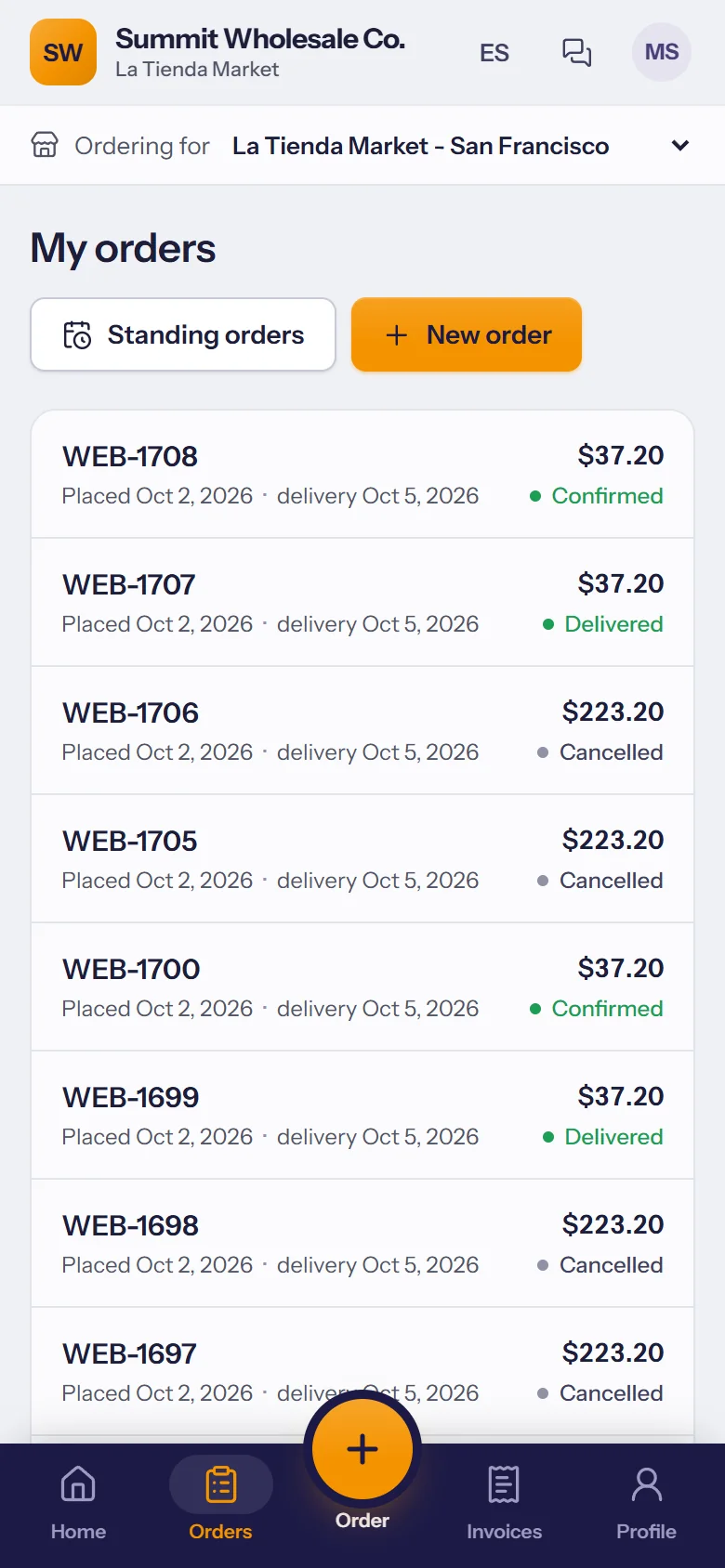
Why this exists
The order desk is a bottleneck nobody designed
Wholesale orders arrive by phone, email, text and occasionally fax. Somebody reads them, works out whether the price is right for that account, checks whether the stock is really there, and types the whole thing into the ERP. That person is the constraint on how many orders a day the business can take, and every order passes through their attention.
A portal does not make that person faster. It removes the step, for the customers who would rather not phone anyway.
The hard part
One customer. One item. Four things decide the price.
This is why a wholesale portal cannot just publish a price list. Watch how the number is arrived at, or step through it yourself.
What the customer sees
Olive oil, extra virgin 1L
OLV-1L · 12/cs · 24 cases
per case · their price, not list
- Line total
- $1152.00
- Resolved by
- Item master
Every step reads from SAP Business One. The portal does not hold a second copy of your pricing.
The journey
One order, end to end
Nothing is re-keyed and nothing waits in an inbox. The order the customer submits is the document the warehouse picks from.
- 01
Customer
Browser or phone
Signs in to their own account. Sees their catalog, their prices and real availability.
- 02
B2B portal
Session · Cart
Builds the order. Every line is priced by asking SAP Business One, not by looking up a cached table.
- 03
Service Layer
Validated · Logged
The supported interface. The order is validated the same way it would be if typed into the client.
- 04
SAP Business One
Sales order
A real sales document against the right business partner, with stock committed and credit checked.
System of record
- 05
Warehouse
Pick · Pack · Ship
Picking runs from the same document. Delivery and invoice follow it through the normal flow.
In the portal
Built for buyers who already know what they want
Wholesale ordering is not retail shopping. Most of it is repeat, most of it is urgent, and almost none of it is browsing.
Quick order
Paste the list. Fix what does not match.
Buyers who work from a spreadsheet can paste it straight in. Codes are validated against SAP Business One as they land, and anything ambiguous is flagged before the order is built rather than after it arrives.
Paste from a spreadsheet, or type
2 of 3 lines matched. Fix one to continue.
Add to orderReorder
Last week's order is usually this week's order.
Order history comes from the SAP Business One documents, so it matches what the office sees. One action turns any past order into a new one, repriced at today's prices rather than the old ones.
SO-20841
Sep 2 · 8 lines
SO-20790
Aug 26 · 11 lines
SO-20744
Aug 19 · 6 lines
Customer-specific pricing
Price lists, volume breaks and special prices resolved per account, exactly as SAP Business One would resolve them on a sales order.
Account-specific catalogs
Customers see what they are set up to buy. Restricted items, contract-only products and account ranges are honoured.
Live availability
Real stock by warehouse, including what is committed and what is on order, so nobody buys something that left this morning.
Balance and credit
Account balance, credit limit, open invoices and statements, where the business wants customers to see them.
Reorder from history
Past orders become the starting point for the next one. Most wholesale ordering is repeat ordering.
Quick order
Paste a list of SKUs and quantities from a spreadsheet. No browsing for buyers who already know what they want.
Multiple account users
Several buyers under one account, with their own logins and, where required, approval before an order is submitted.
Order status
Order, delivery and invoice status pulled from the SAP Business One documents themselves rather than a separate status field.
The boundary
What the portal owns, and what SAP Business One owns
Almost everything belongs to SAP Business One. The portal owns the session and the cart, and hands the result back. That is the whole design.
Items, descriptions and units of measure
The catalog follows the item master. New products appear without a second data entry.
SAP Business OnePortal
On change
Price lists, volume breaks, special prices
Resolved per request. Nothing is cached, so a price change is live the moment it is saved.
SAP Business OnePortal
Live
Stock by warehouse
Available quantity, including what is committed and what is on order.
SAP Business OnePortal
Live
Business partners and ship-to addresses
Accounts, contacts and delivery addresses stay in SAP Business One as the source of truth.
SAP Business OnePortal
On change
Credit limit, balance, open invoices
Shown only where the business chooses to expose it.
SAP Business OnePortal
Live
Sales orders
Created through the Service Layer against the correct business partner, with resolved prices per line.
PortalSAP Business One
On submit
Order, delivery and invoice status
Read from the SAP Business One documents themselves rather than a status field kept in parallel.
SAP Business OnePortal
Live
Writes use the supported SAP Business One interfaces only. Nothing writes directly to the database, which is what keeps the system upgradeable.
Everything above moves on SAP Business One's supported interfaces, with a layer between the portal and the ERP that logs each transaction and retries the ones that fail. How the integration is built.
On a phone
Most reorders are placed standing in a stockroom
Not at a desk, not on a laptop. The ordering flow is designed for a thumb and a poor signal, because that is where it is actually used.
Saved lists
The items this account buys every week, one tap from an order.
Their price, on the phone
The same resolved price as the desktop portal, from the same SAP Business One data.
Works on a bad connection
Built light, so it loads on the warehouse Wi-Fi rather than timing out.
The ordering portal on a phone, showing a saved list and live prices
Sunrise Market
Weekly reorder
Olive oil, extra virgin 1L
12/cs · $38.40
Sparkling water 330ml
24/cs · $14.90
Tomato paste 400g
12/cs · $21.60
Posts to SAP Business One as a sales order
Extending it further
What usually gets connected next
The portal covers customers who order themselves. These cover the people who cannot.
- CoreSAP Business OneThe system of record everything else reads from and writes to.Overview
- Layer 01Sales Rep AppCustomers who need a visitReps carry pricing and stock on the route, work with no signal, and sync orders when they reconnect.See it
- Layer 02Inventory CountingMaking the stock figure trueBarcode counts and cycle counts, with variances reviewed before anything posts to the ledger.See it
- Layer 03Price Label PrintingThe shelf edgeLabels generated from the same item and price data, so what is on the shelf matches the invoice.See it
- Layer 04Integrations & APIsEverything else you runCarriers, payment providers, storefronts and legacy systems, connected through a layer you can see into.See it
Questions
About the portal
Next step
See it running against your own price lists.
The fastest way to judge a B2B portal is to watch it resolve a price for one of your awkward accounts. Bring that account.