

## The Deployment Decision
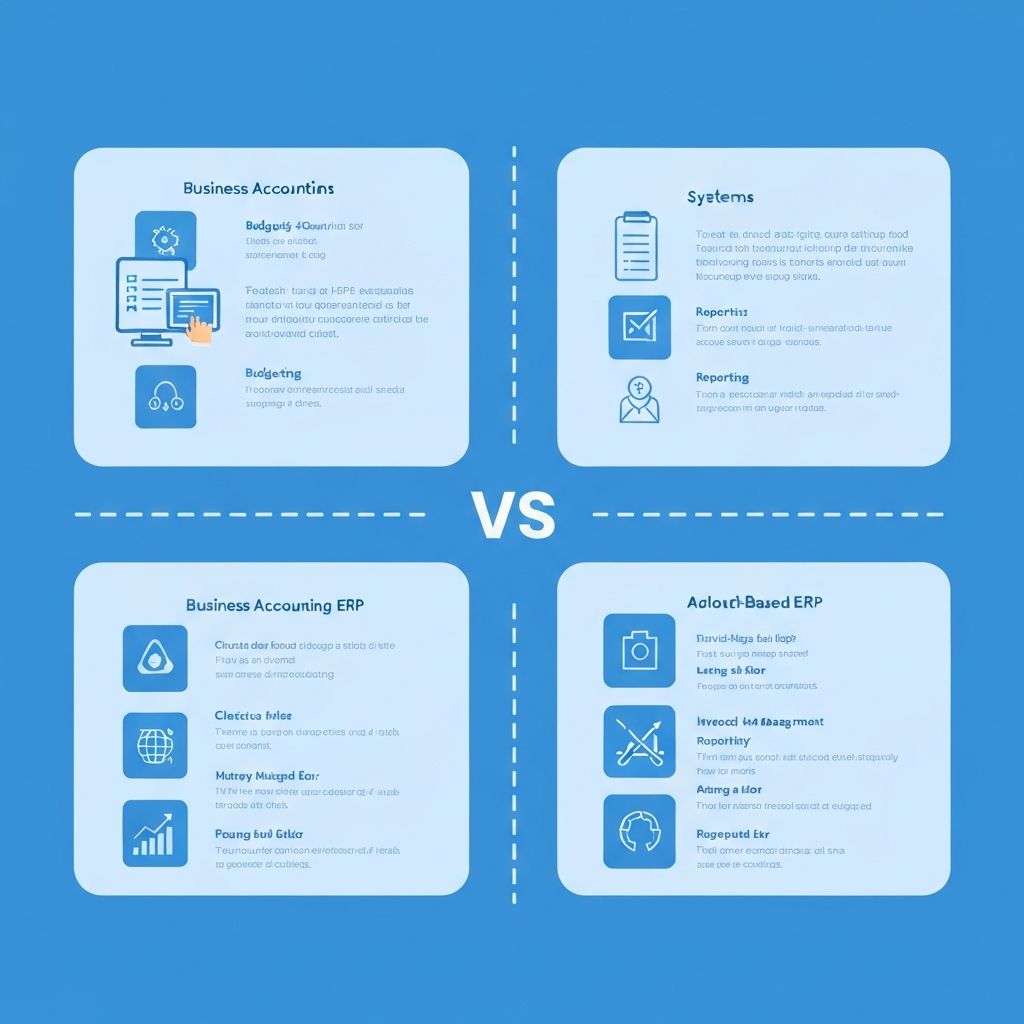
Choosing between cloud and on-premise SAP Business One is one of the most important decisions in your ERP journey. Both have clear advantages depending on your business needs.
## SAP Business One Cloud
### How It Works
Your SAP B1 system runs on cloud infrastructure (SAP HANA Cloud or a partner-managed cloud). You access it via web browser or remote desktop.
### Advantages
- **Lower upfront cost** - Subscription-based pricing, no hardware purchase
- **Faster deployment** - Infrastructure ready in days, not weeks
- **Automatic updates** - Stay current without upgrade projects
- **Built-in disaster recovery** - Data redundancy and backups included
- **Remote access** - Work from anywhere with internet
- **Scalability** - Add resources as you grow
- **Reduced IT burden** - No servers to manage
### Considerations
- **Monthly recurring cost** - Ongoing expense vs one-time purchase
- **Internet dependency** - Requires reliable connectivity
- **Less customization control** - Some infrastructure limitations
- **Data residency** - Data stored off-site (though secure)
### Best For:
- Companies with 5-50 users
- Businesses wanting lower upfront investment
- Organizations without dedicated IT staff
- Companies with remote/distributed teams
- Rapid-growth businesses needing flexibility
## SAP Business One On-Premise
### How It Works
SAP B1 runs on servers in your office or data center. Your IT team (or a managed services provider) manages the infrastructure.
### Advantages
- **Full control** - Complete ownership of hardware and data
- **One-time licensing** - Perpetual license, no monthly fees
- **Maximum customization** - Full access to system configuration
- **No internet dependency** - Works on local network
- **Data sovereignty** - Data stays in your facility
- **Performance** - Dedicated resources, no shared infrastructure
### Considerations
- **Higher upfront cost** - Server hardware + perpetual licenses
- **IT management** - Need staff or partner to maintain servers
- **Upgrade responsibility** - You manage patches and updates
- **Disaster recovery** - Must implement your own backup strategy
- **Scaling** - Hardware upgrades take time and money
### Best For:
- Companies wanting to own their infrastructure
- Businesses with dedicated IT staff
- Industries with strict data residency requirements
- Companies in areas with unreliable internet
- Businesses preferring CAPEX over OPEX
## Cost Comparison (20 Users, 5-Year View)
| Cost Category | Cloud | On-Premise |
|--------------|-------|-----------|
| Year 1 Licensing | $31,680 | $64,260 |
| Year 1 Implementation | $60,000 | $75,000 |
| Year 1 Infrastructure | Included | $15,000 |
| Annual Licensing (Years 2-5) | $31,680/yr | $13,495/yr |
| Annual Infrastructure (Years 2-5) | Included | $5,000/yr |
| **5-Year Total** | **$218,400** | **$228,240** |
*Note: These are approximate figures. Your actual costs will vary based on specific requirements.*
## The Hybrid Approach
Some businesses choose a hybrid model:
- **Primary system on-premise** for core operations
- **Cloud access** for remote users and sales teams
- **Cloud disaster recovery** as backup for on-premise
## Making Your Decision
Ask these questions:
1. **What's your IT capability?** No IT team? Cloud is easier.
2. **What's your budget structure?** CAPEX vs OPEX preference?
3. **How important is remote access?** Distributed team? Cloud wins.
4. **What are your compliance requirements?** Some industries require on-premise.
5. **What's your growth trajectory?** Rapid growth favors cloud flexibility.
## Our Recommendation
For most small and mid-size wholesale distributors, we recommend **cloud deployment** because:
- Lower barrier to entry
- Faster time to value
- Built-in disaster recovery
- Easier for distributed teams
- Predictable monthly costs
However, we support both options and will help you choose what's truly right for your business.
[Discuss your deployment options with our team](/free-consultation)